Introduction
Belgian SMEs face a paradox: they must be more productive with fewer resources, against a backdrop of chronic labour shortages. In Flanders, unemployment hovers around 3%, and businesses in every region struggle to recruit. The solution does not always lie in hiring new staff, but in process automation for the repetitive tasks that eat up valuable time.
According to a study by McKinsey and Agoria, the Belgian federation of the technology industry, 45% of the tasks performed in Belgian SMEs could be automated with current technology. That represents a potential saving of 250 to 500 working hours per employee per year for administrative roles.
In 2026, two broad families of technology make this automation accessible even to non-technical staff: RPA (Robotic Process Automation) and no-code/low-code platforms. This guide explains how to use them in practice in your Belgian SME. To learn how to set up your business in Belgium and optimise your operations from day one, also check out our other resources.
What are RPA and no-code?
Both approaches deliver process automation, but they work in very different ways.
RPA (Robotic Process Automation)
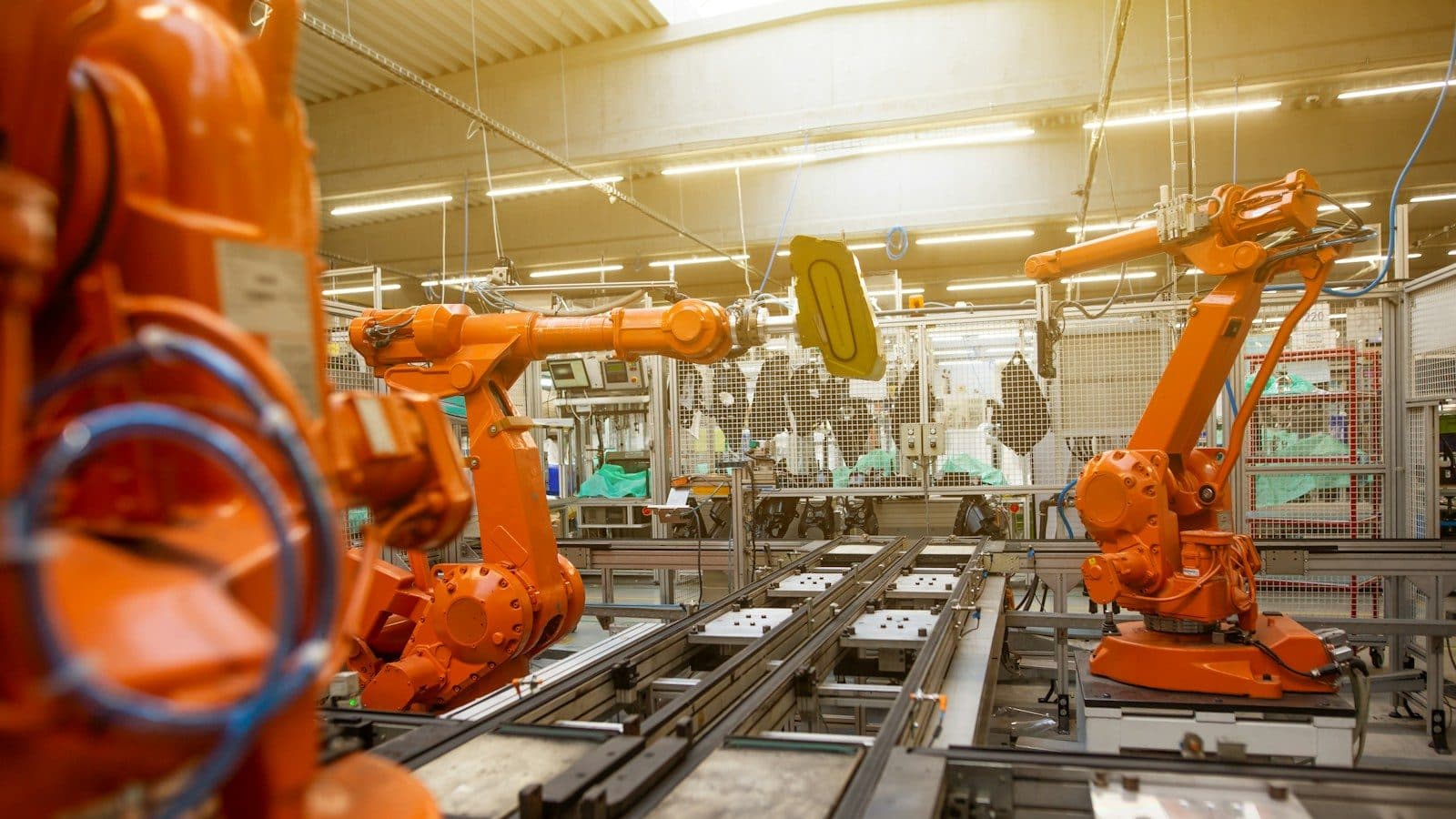
RPA involves using "software robots" that mimic human actions on a computer: clicking, typing, copying and pasting, opening applications, extracting data from documents, and so on.
Typical use cases:
- Entering data from one system into another (e.g. copying information from an email into an ERP)
- Extracting data from PDF invoices
- Reconciling data between two Excel spreadsheets
- Generating periodic reports
- Processing administrative forms
Main RPA tools:
| Tool | Vendor | Indicative price | Strengths |
|---|---|---|---|
| UiPath | UiPath (USA) | Free Community Edition, Enterprise on quote | Market leader, very complete |
| Power Automate Desktop | Microsoft | Included with Windows 11 and M365 | Free (basic version), Microsoft integration |
| Automation Anywhere | Automation Anywhere | On quote | Cloud-native, built-in AI |
| Blue Prism | SS&C | On quote | Geared towards large enterprises |
| Robocorp | Robocorp | Open source + cloud | Python-based, open source |
No-code / low-code platforms
No-code platforms let you build applications and automations without writing code, through visual drag-and-drop interfaces.
No-code tools for automation:
| Tool | Type | Indicative price | Strengths |
|---|---|---|---|
| Zapier | App integration | From free | 6,000+ apps, simple |
| Make (formerly Integromat) | App integration | From free | Visual, powerful, European |
| Power Automate (cloud) | Integration + workflows | Included in M365 / EUR 15/month | Microsoft ecosystem |
| n8n | App integration | Free open source / cloud EUR 20/month | Self-hosting possible, European |
| Airtable | Database + automations | From free | Smart spreadsheet with automations |
| Notion | Wiki + project management + databases | From free | Database + AI + workflows |
| Retool | Internal apps | From free (5 users) | Building internal apps |
| Appsmith | Internal apps | Free open source | Self-hosted, European |
RPA versus no-code process automation
| Criterion | RPA | No-code (integration) |
|---|---|---|
| Approach | Mimics human actions on screen | Connects applications via API |
| Use case | Legacy applications with no API, manual tasks | Modern applications with an API |
| Complexity | Medium to high | Low to medium |
| Reliability | Sensitive to interface changes | Very reliable (direct API connection) |
| Cost | Higher | More affordable |
| Maintenance | Regular (interface updates) | Low |
Recommendation for Belgian SMEs: start with no-code (Zapier, Make, Power Automate) for automations between modern applications. Only use RPA for legacy applications with no API (old Windows software, mainframes, ageing line-of-business applications). If you are looking to optimise your business management, automation is an essential lever.
15 processes to automate in your Belgian SME
Accounting and financial processes
1. Purchase invoice processing
| Manual step | Automation | Tool |
|---|---|---|
| Receive the invoice by email | Automatic detection of invoices as attachments | Power Automate / Make |
| Scan/download the invoice | Automatic OCR (data extraction) | Yuki, Dext, ABBYY |
| Enter the data into the accounts | Automatic import into the accounting software | Yuki, Exact Online, Odoo |
| Check and validate | Automated approval workflow | Power Automate, Teamleader |
| Archive | Automatic archiving in the cloud | SharePoint, Google Drive |
Estimated gain: 4-8 hours/week for an SME processing 50+ invoices/month.
Recommended solutions in Belgium: Yuki (a Belgian accounting specialist), Exact Online, Odoo (open source, very popular in Belgium). For more on managing electronic invoicing in Belgium, see our complete guide.
2. Payment reminders
Automate the sending of progressive reminders:
- Day 0: Send the invoice with a payment link (Mollie, Stripe)
- Day +7: First friendly automatic email reminder
- Day +14: Second email reminder mentioning late-payment interest (set at 8% by Belgian law on payment terms for overdue B2B transactions)
- Day +30: Notification to the person in charge for manual action
- Day +45: Automatic formal notice (pre-drafted template)
Estimated gain: a 15-20 day reduction in the average payment period, improving cash flow. To go further on cash-flow management, see our practical tips.
3. Bank reconciliation
Via Ponto (Isabel Group) or Isabel Connect, connect your Belgian bank accounts to your accounting software:
- Automatic transaction synchronisation
- Automatic reconciliation with issued invoices
- Alerts on discrepancies and anomalies
- Automated cash-flow report generation
Good to know: Ponto is the European bank-connection solution approved by all the major Belgian banks (BNP Paribas Fortis, KBC, ING, Belfius, etc.). To find out more about choosing your business bank, see our comparison.
Sales and marketing processes
4. Lead qualification and routing
- A prospect fills in a form on your website
- AI assesses the quality of the lead (scoring based on profile, behaviour, sector)
- The lead is automatically assigned to the right salesperson by region (Flanders, Wallonia, Brussels) or sector
- A personalised email is sent automatically
- A follow-up reminder is scheduled in the CRM
5. Tracking sales quotes
- Quote sent via Teamleader or Odoo: automatic reminder on day +3 if unopened, day +7 if no reply
- Quote accepted: automatic creation of the project and the invoice, and notification to the team
- Quote declined: automatic satisfaction survey plus addition to a nurturing campaign
6. Automated newsletters and email marketing
- New customer: automatic welcome sequence (email 1 = welcome, email 2 = tutorial, email 3 = special offer)
- Customer's anniversary: automatic email with a personalised offer
- Customer inactive for 3 months: automatic reactivation campaign
- Tools: Mailchimp, Brevo (formerly Sendinblue, French), ActiveCampaign
HR and administrative processes
7. Onboarding new employees
Onboarding is a critical process that is often poorly handled in SMEs:
- Before day -1: Automatic sending of the contract and documents (via DocuSign or Yousign)
- Day -1: Email with practical information (address, hours, dress code)
- Day 0: Creation of IT accounts (Microsoft 365, business applications), equipment allocation
- Day +1: Automatic scheduling of training sessions
- Day +7: First-week satisfaction survey
- Day +30: Automated check-in with the manager
Recommended tool: Officient (Belgian, Ghent) or Personio combined with Power Automate/Zapier. If you also need to set up a registered office for your business, see our guide on registered-office services.
8. Managing leave and absences
- Leave request via an online form or the HR app
- Automatic notification to the manager for approval
- Automatic update of the team calendar
- Automatic calculation of the remaining leave balance
- Notification to payroll (SD Worx, Partena, Securex)
9. Expense reports
- The employee photographs their receipt with the mobile app
- OCR extracts the data (amount, date, supplier, VAT)
- The expense report form is pre-filled
- Automated approval workflow
- Reimbursement scheduled automatically
Tools: Rydoo (Belgian, Mechelen, specialised in expense management), Spendesk, Pleo
Operational processes
10. Order and stock management
- New order in the system: automatic stock check
- Stock below threshold: automatic supplier order or alert
- Delivery note generated automatically
- Delivery tracking sent to the customer (via Sendcloud for bpost, DPD, PostNL, DHL)
- Stock updated after confirmed delivery
11. Scheduling and dispatching
For service businesses (plumbers, electricians, technicians):
- New service ticket: automatic assignment to the nearest available technician
- Automatic sending of the job sheet to the technician
- Customer notification with a time slot
- Digital intervention report on site
- Automatic invoicing once the ticket is closed
Tools: Odoo Field Service, Teamleader, ServiceNow (for larger SMEs)
12. Automated reporting
- Automatic extraction of sales, finance and marketing data every Monday morning
- Generation of a consolidated dashboard (Power BI, Google Looker Studio)
- Automatic emailing of the report to management
- Alerts on out-of-range KPIs (revenue drop > 10%, margin below threshold, etc.)
Compliance processes
13. VAT and e-invoicing compliance
Since 2026, B2B electronic invoicing (Peppol/UBL format) has been compulsory in Belgium according to FPS Finance:
- Automatic generation of invoices in UBL format
- Sending via the Peppol network
- Compliant archiving (a minimum of 7 years in Belgium)
- VAT return prepared automatically from accounting data
Official resources: for a full understanding of your obligations, see our guide on compulsory electronic invoicing in Belgium, as well as the FPS Finance portal.
14. Automated GDPR compliance
- Data access request (Article 15 GDPR): automated workflow for collecting and sending the data
- Erasure request (Article 17): automatic verification and deletion across all systems
- Consent: automated tracking of consent and its withdrawal
- Processing register: automatic update whenever new processing is added
15. Social and sector compliance
- Automatic reminders for legal deadlines (NSSO declarations, payroll withholding tax, VAT)
- Automatic verification of subcontractors' documents (NSSO certificate, liability insurance, etc.)
- Tracking of employees' mandatory training (safety, wellbeing at work)
Methodology: how to roll out process automation
Here is a proven, four-phase methodology for rolling out process automation in your SME.
Phase 1: Identify (2 weeks)
Map your processes:
- List every repetitive process in your business
- For each process, note the frequency, the time per run, the number of people involved and the error rate
- Calculate the annual cost of each process: Time x Frequency x Hourly cost
- Prioritise by impact (cost + frequency + error rate)
Criteria for identifying a good automation candidate:
- Clear, repetitive rule (no complex human judgement)
- Sufficient volume (at least weekly)
- Structured data (forms, spreadsheets, standardised emails)
- Few exceptions involved
Phase 2: Design (1-2 weeks)
- Document the current (as-is) process step by step
- Identify steps that can be eliminated, simplified or automated
- Design the target (to-be) process with the automations
- Choose the right tools
- Define success KPIs
Phase 3: Implement (2-4 weeks)
- Start with a pilot project (a single process)
- Implement the automation in test mode
- Run it in parallel with the manual process for 2 weeks
- Fix any issues
- Deploy to production
Phase 4: Measure and expand (ongoing)
- Measure the gains (time, errors, satisfaction)
- Document best practices
- Train the teams
- Identify the next process to automate
- Repeat the cycle
Budget and ROI
Process automation tools stay affordable even for a small team, and the return on investment is usually fast.
Cost of automation tools
| Category | Tool | Monthly SME cost |
|---|---|---|
| No-code integration | Zapier Pro | USD 49 |
| No-code integration | Make Pro | USD 16 |
| Microsoft workflows | Power Automate (in M365) | No extra cost |
| Desktop RPA | Power Automate Desktop | Included with Windows 11 |
| Advanced RPA | UiPath Community | Free (individual use) |
| Invoice OCR | Yuki / Dext | EUR 25-50/month |
| Expense reports | Rydoo | EUR 6-10/user/month |
| HR | Officient | From EUR 3/employee/month |
Calculating the ROI: a concrete example
A Walloon SME with 20 employees, services sector:
| Automated process | Time saved/week | Annual saving |
|---|---|---|
| Purchase invoice processing | 5 hours | EUR 10,400 |
| Payment reminders | 3 hours | EUR 6,240 |
| Lead qualification | 2 hours | EUR 4,160 |
| Reporting | 2 hours | EUR 4,160 |
| Expense reports | 1 hour | EUR 2,080 |
| Total | 13 hours/week | EUR 27,040/year |
Investment:
- Tools: EUR 200/month = EUR 2,400/year
- Set-up (consultant): EUR 5,000 (one-off)
- Training: EUR 2,000 (one-off)
- Total for year 1: EUR 9,400
- Total for following years: EUR 2,400
ROI in year 1: 187% ROI in following years: 1,027%
Grants and subsidies in Belgium
Regional programmes across Belgium co-fund process automation projects, so the digital transformation of SMEs is supported by all three regions:
Wallonia:
- Business vouchers ("chèques-entreprises") for digital transformation: covers up to 75% of automation consulting costs (capped at EUR 60,000/year)
- Contact: Digital Wallonia
Flanders:
- KMO-portefeuille: a 20-30% contribution towards consulting and training costs (capped at EUR 7,500/year)
- Contact: VLAIO (the Flanders Innovation and Entrepreneurship Agency)
Brussels:
- Hub.brussels: free support and guidance for Brussels businesses
- Digital vouchers: grants for digitalisation
To discover all the regional grants for businesses in Belgium, see our comprehensive guide.
Mistakes to avoid
Even well-planned process automation projects can fail if you fall into one of these traps.
-
Automating a poor process: automating an inefficient process does not make it efficient, it makes it inefficient faster. Optimise first, automate afterwards.
-
Trying to automate everything at once: start with 1-2 simple, high-impact processes. Prove the ROI before expanding.
-
Neglecting change management: employees may fear automation. Involve them in the project, and show them that automation frees them from repetitive tasks to focus on higher-value work.
-
Forgetting maintenance: automations need regular monitoring and maintenance. Appoint an "automation champion" within your team.
-
Ignoring exceptions: always plan a handling path for exceptional cases that do not fit the automation.
Conclusion
Process automation is the most accessible and cost-effective productivity lever for Belgian SMEs in 2026. With a modest investment (a few hundred euros a month) and modern no-code platforms, you can automate dozens of repetitive tasks and free up hundreds of working hours a year.
The key to success is a methodical approach: identify the most impactful processes, start small, measure the results and expand gradually. Belgian regional grants (business vouchers, KMO-portefeuille) help fund the initial support.
Don't wait for your competitors to gain the advantage: start automating today. To go further with optimising your business management and setting up your structure, explore our specialised guides.
Useful resources:
- Agoria – Federation of the technology industry
- FPS Economy – Digital transformation
- Digital Wallonia
- VLAIO – Innovation and entrepreneurship
- Hub.brussels – Support for businesses
This article was written by the Espero-Soft team for the blog dedicated to entrepreneurs in Belgium. For a process audit and automation support, contact our experts.